




When a Samsung Dishwasher LC Error Code Won’t Clear
A Samsung dishwasher LC error code means the leak sensor found water where it shouldn’t be. Sometimes water is leaking somewhere. Other times a damp sensor or a power glitch trips the code with no leak at all. A quick check of the floor and the base pan usually points you the right way.
Check That It’s a Samsung Code
LC (leakage) and LE (leak) both mean the moisture sensor found water on a Samsung dishwasher, and the display can show them even when nothing visibly leaks. Other brands use different codes for different faults, so an LC on another machine points somewhere else. The steps below can differ a little between Samsung models, so check your manual too.
Cut the Power at the Breaker First
Most Samsung dishwashers connect straight to the house wiring and have no power switch. Flip the breaker off before you open a panel or move the machine. Water may sit in the base pan, and you don’t want power running while you reach in.
Look for Water Before You Reset Anything
Check the floor around the dishwasher, then the connections under the sink. Lay dry paper towels around the base, run a short cycle, and watch which towel gets wet first. If you find water, our dishwasher leaking from bottom of door guide lists the usual sources.
Feel the hoses along their whole length. A slow drip can hide from a quick look.
Samsung Dishwasher LC Error Code? Dry the Sensor and Reset
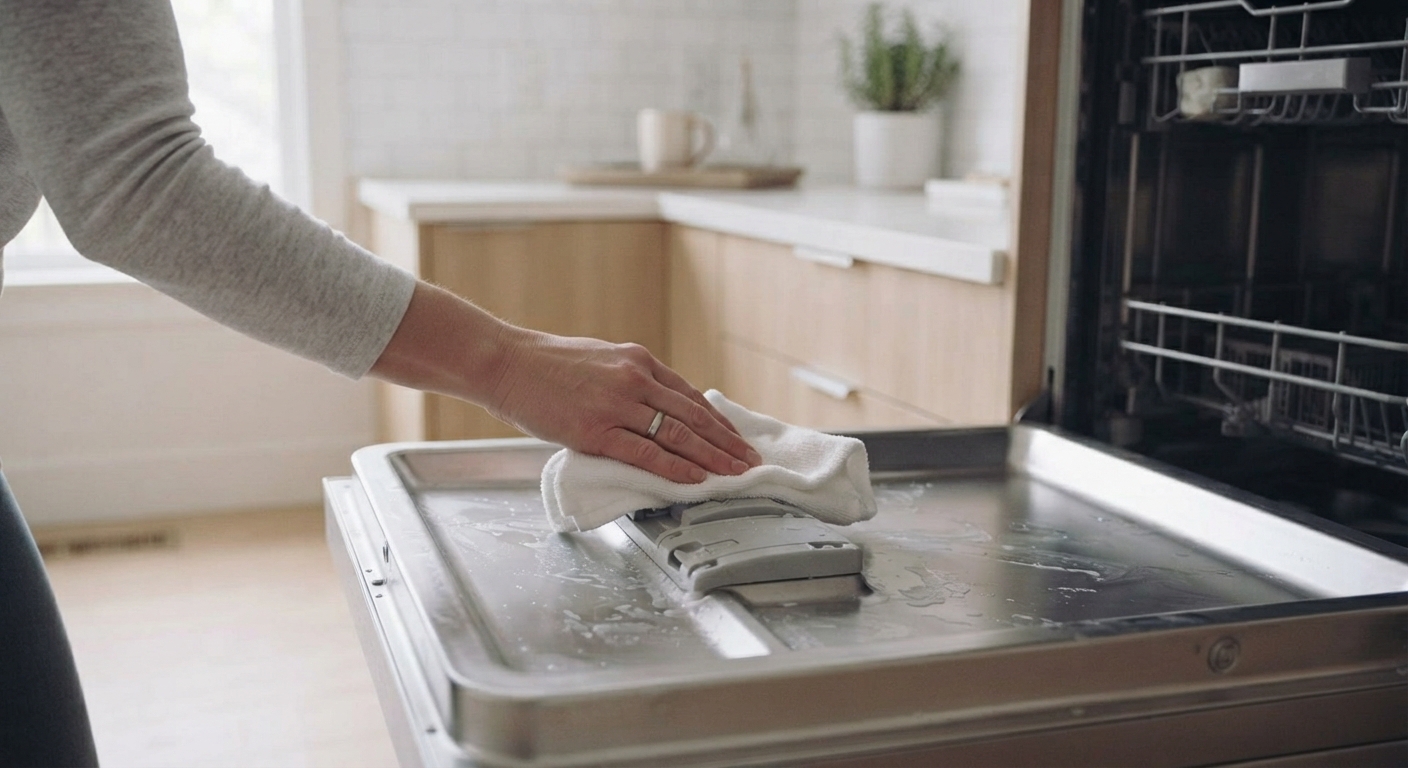
If you find no leak, dry the sensor. The white leak sensor sits in the bottom pan, so wipe out any water there and let it air out. Keep the breaker off for about 15 minutes, then switch it back on. If the code clears and the normal cycle time shows on the display, the reset worked. iFixit’s LC guide walks through finding the sensor with photos.
If the code comes back, water is still there somewhere. Don’t move or bypass the sensor to silence it. It protects your floor from leaks that are actually happening.
Check the Leveling and the Cabinet Screws
If the dishwasher sits lower in front than in back, water pools at the door and can spill toward the sensor. Level it front to back and side to side. Samsung’s support page tells you to check the leveling legs along with the drain and supply hoses.
Over-tightened cabinet screws matter too. They can stretch the sides of the tub and open small gaps, according to Samsung’s LE and LC guide.
Check the Detergent Dispenser
Too much detergent makes extra suds, and suds can overflow into the base pan. Wet, gummy detergent can also trip the sensor, because it dries slower than plain water. Wipe out the dispenser and use the amount on the box.
Check the Drain and the Disposal
A clogged drain holds dirty water in the machine and can trip the LC code. Pull the filter and screen and rinse them. Our dishwasher filter cleaning guide shows the steps.
If you just installed a garbage disposal, look for the plastic knockout plug inside its dishwasher connection. It blocks the drain until someone removes it. Our dishwasher not draining after cycle guide has more on that plug.
Samsung Dishwasher LC Error Code Keeps Coming Back?
Dried the pan, reset the machine, and the code returns anyway? Then water is still getting into the pan from somewhere. iFixit points to the drain path, the water intake, the motor area, and the under-sink connections. Check each one again with the breaker off. If every check comes up dry, it may be time for dishwasher repair.
If you find no water anywhere and the code keeps returning, a slow leak inside the machine may feed the pan, such as a weeping inlet valve. That’s a technician’s diagnosis, and our dishwasher troubleshooting guide has the other checks in the meantime.

